

Job Logs
The Job Logs page displays a table of all your completed and running jobs with their log files.
Keyboard shortcut: gl
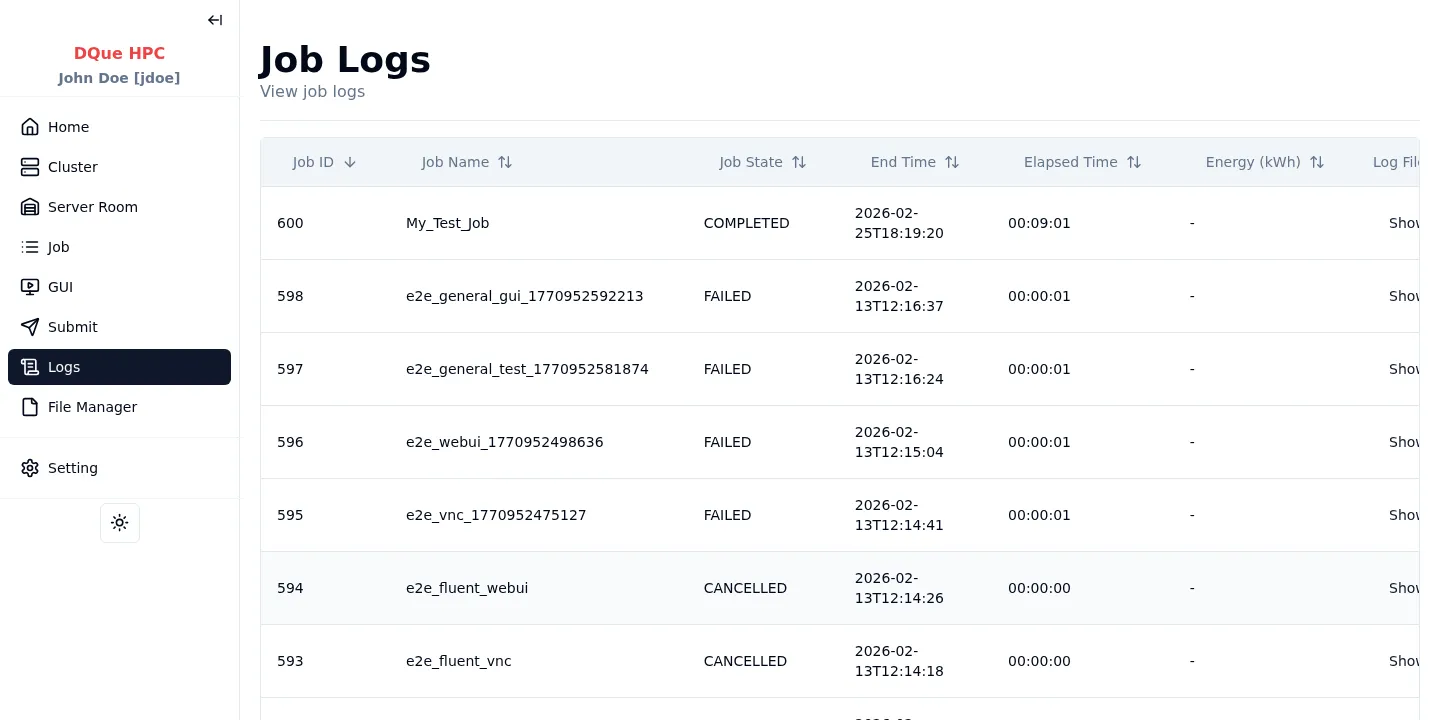
Table Columns
Section titled “Table Columns”| Column | Description |
|---|---|
| Job ID | SLURM job identifier |
| Job Name | Name given at submission |
| Job State | Current state (RUNNING, COMPLETED, FAILED, etc.) |
| End Time | When the job finished |
| Elapsed Time | Total wall time |
| Energy (kWh) | Energy consumed |
| Log File | Click Show to view stdout output |
Viewing Logs
Section titled “Viewing Logs”- Completed jobs — clicking Show opens the full log file in a modal.
- Running jobs — clicking Show opens a live-tailing view that updates as the job produces output.
- Pending jobs — the Show link is disabled (no output yet).
Click any column header to sort the table.